Creating your account
Signing up takes about a minute and sets up three things at once: your lead pipeline, a pricing sheet of your own, and a branded calculator for your customers. None of it is public until we go through it with you, so there is no risk in setting it up before you are ready to use it.
Before you start
Section titled “Before you start”Have two things decided:
- Your company name, as you want customers to see it.
- The web address you want. This is the part before
.solardesk.app, and it is where your customers will find your calculator. Letters, numbers and hyphens only, between 3 and 63 characters.
You do not need your pricing yet. Every new account starts with placeholder figures, and replacing them is the next job after this one.
Signing up
Section titled “Signing up”The whole thing is one page: what you are signing up to on the left, and five fields on the right.
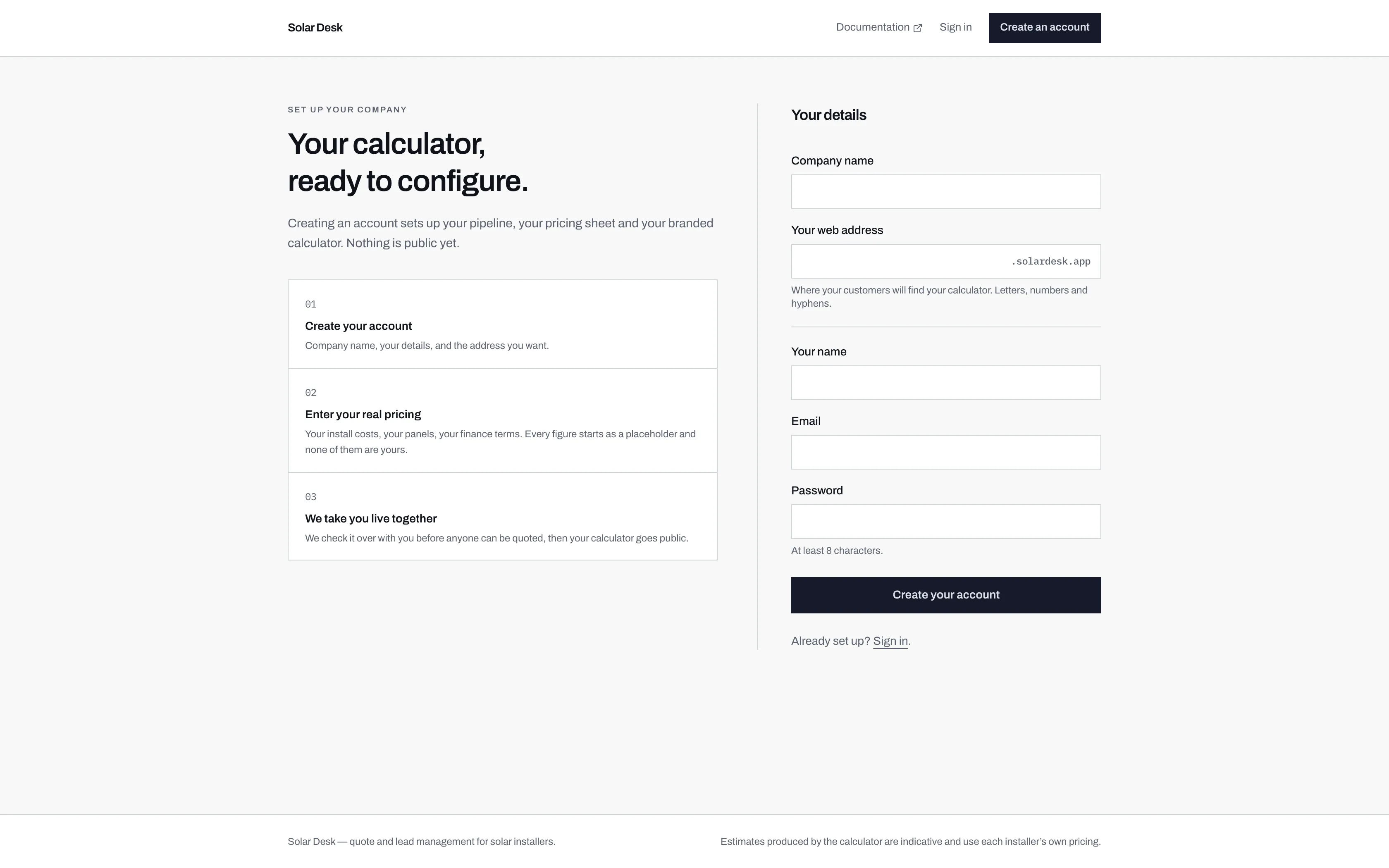
- The web address field arrives with .solardesk.app already fixed on the end. You choose the part in front of it.
- Three stages, set out before you start. The third is the one people miss: nothing is public until Solar Desk goes through it with you.
-
Go to solardesk.app/signup, or click Create an account in the top right of the Solar Desk site.
-
Fill in your details.
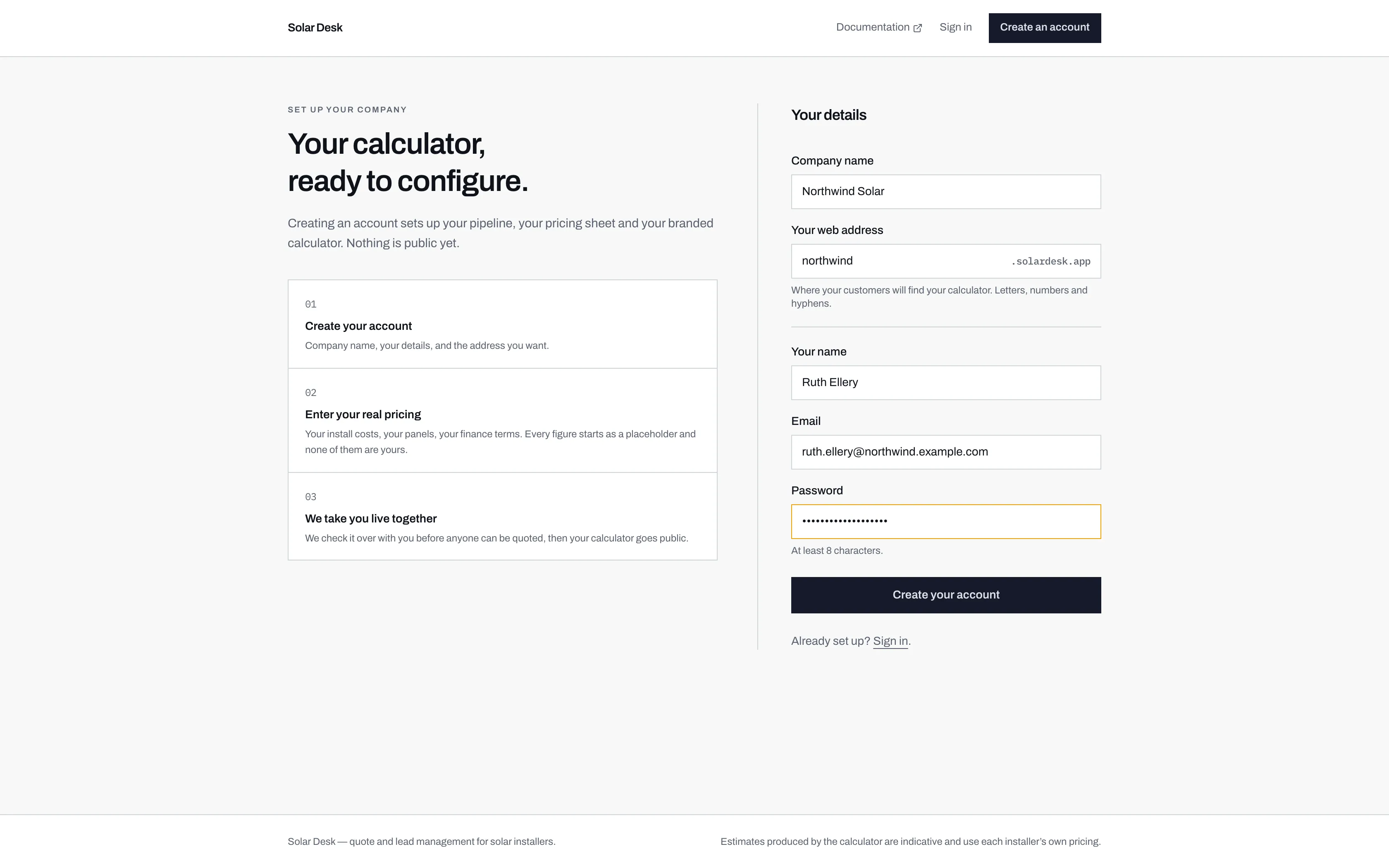
- Your web address. This becomes northwind.solardesk.app, the link you give customers. Pick carefully: changing it later breaks any link you have already shared.
- At least 8 characters. There is no password reset yet, so store it somewhere you will still have it in six months.
- Step 2 is the one that matters. Every price in a new account is an example figure, not yours.
- Creating the account also signs you in and takes you straight to your empty pipeline.
And filled in. The address you choose here is the one your customers will use, so it is worth a moment's thought. -
Click Create your account. You are signed in and land on Leads, which is empty for now. It says so, and suggests you try your own calculator.
If the address is already taken
Section titled “If the address is already taken”Web addresses are first come, first served across every installer on Solar Desk, so a common name may already be gone.
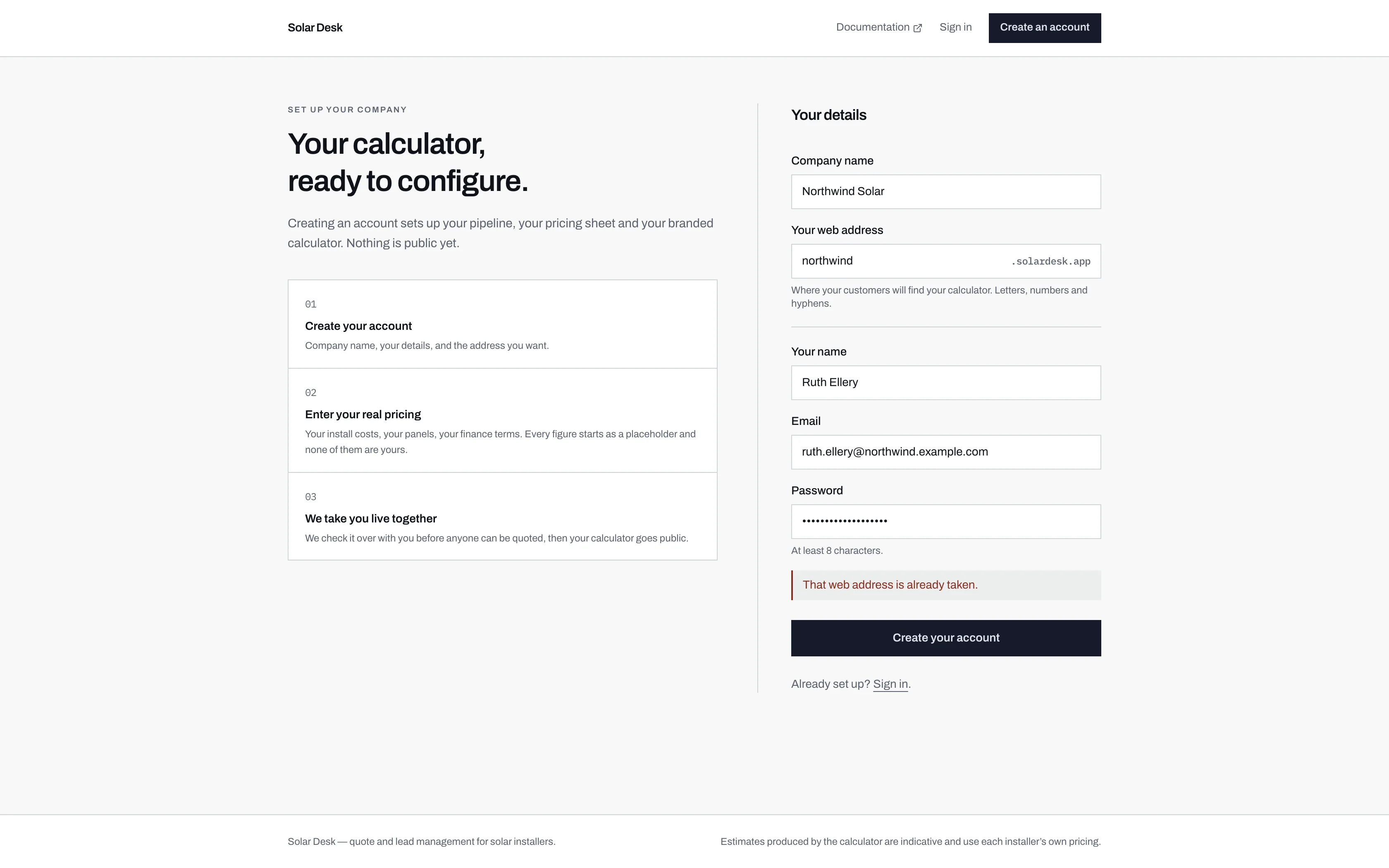
The same applies to your email: if an account already exists for it, the form says so and points you at signing in instead.
What happens next
Section titled “What happens next”Your account exists but your calculator is not public yet. That is deliberate, and it is the subject of the next page.
Three jobs stand between you and going live, and they are the same three we check before switching you on:
- Enter your real pricing, replacing the placeholder figures.
- Add at least one panel to your catalogue.
- Set an address to receive new leads, so an enquiry does not arrive with nobody told.