Signing in without a password
There is no password. You ask for a link, it arrives by email, you press a button, and you are in.
How to sign in
Section titled “How to sign in”-
Go to your installer’s web address with
/account/sign-inon the end. It is the same address where you got your estimate.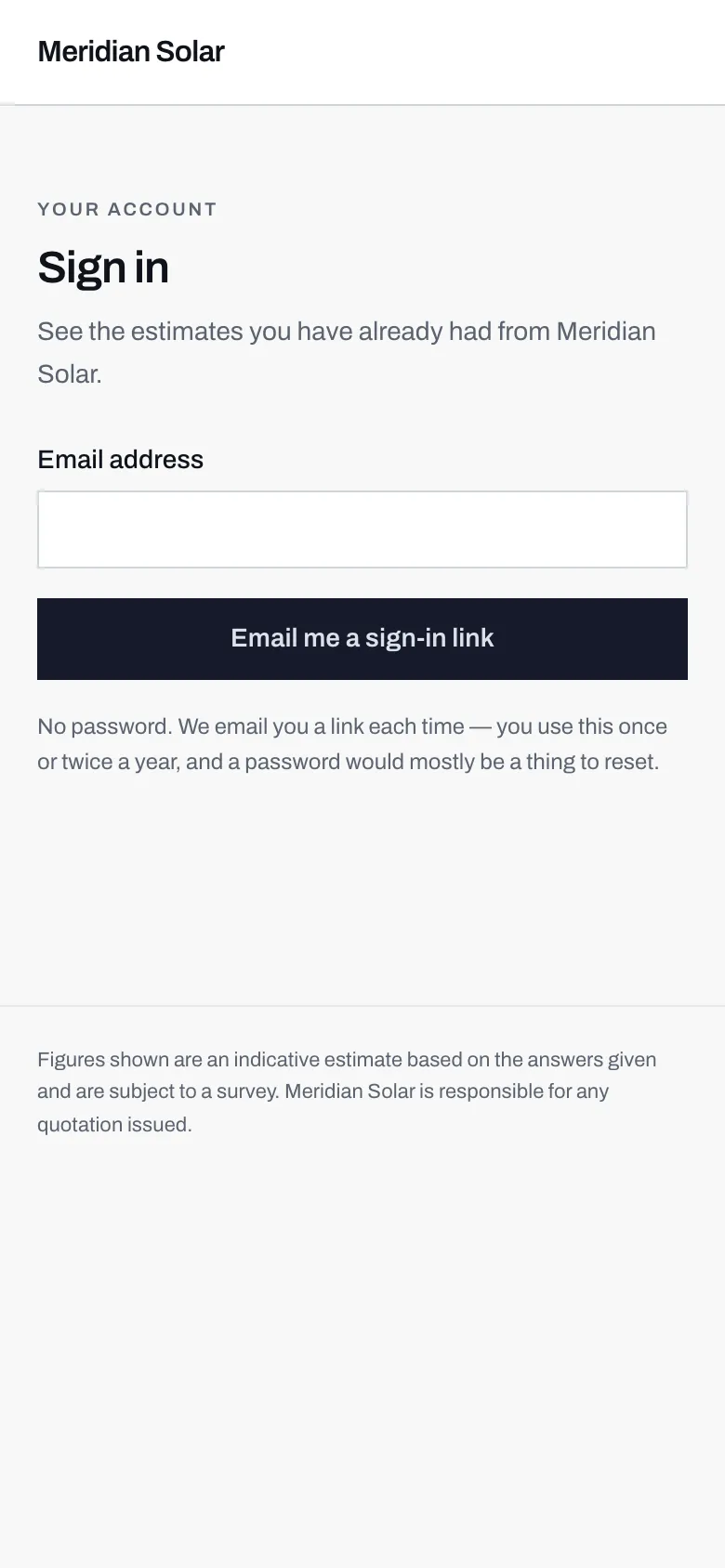
- One field. Use the same email address you gave when you asked for your estimate.
- No password to type, and none to forget.
- The reason, stated on the page: you use this once or twice a year, so a password would mostly be a thing to reset.
The whole sign-in page. There is nothing else on it. -
Type your email address and press Email me a sign-in link.
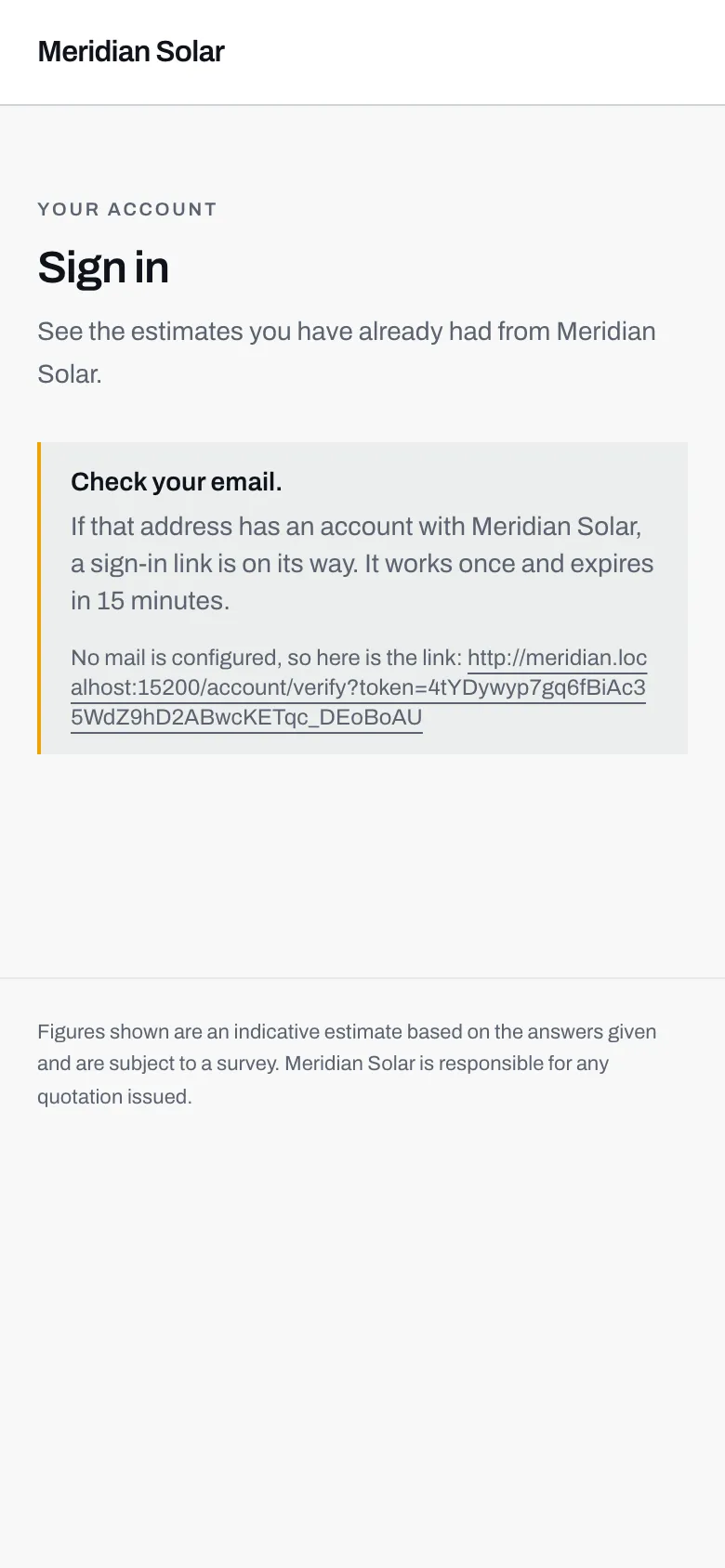
- The same message appears whatever you type, which is the point.
- Two limits worth remembering: the link works once, and it expires after 15 minutes.
- This last line only appears on a demonstration server with no email set up. On a real installer's site the link arrives in your inbox instead.
What you see after asking for a link. -
Open the email and follow the link. It takes you to a page that confirms who it is for.
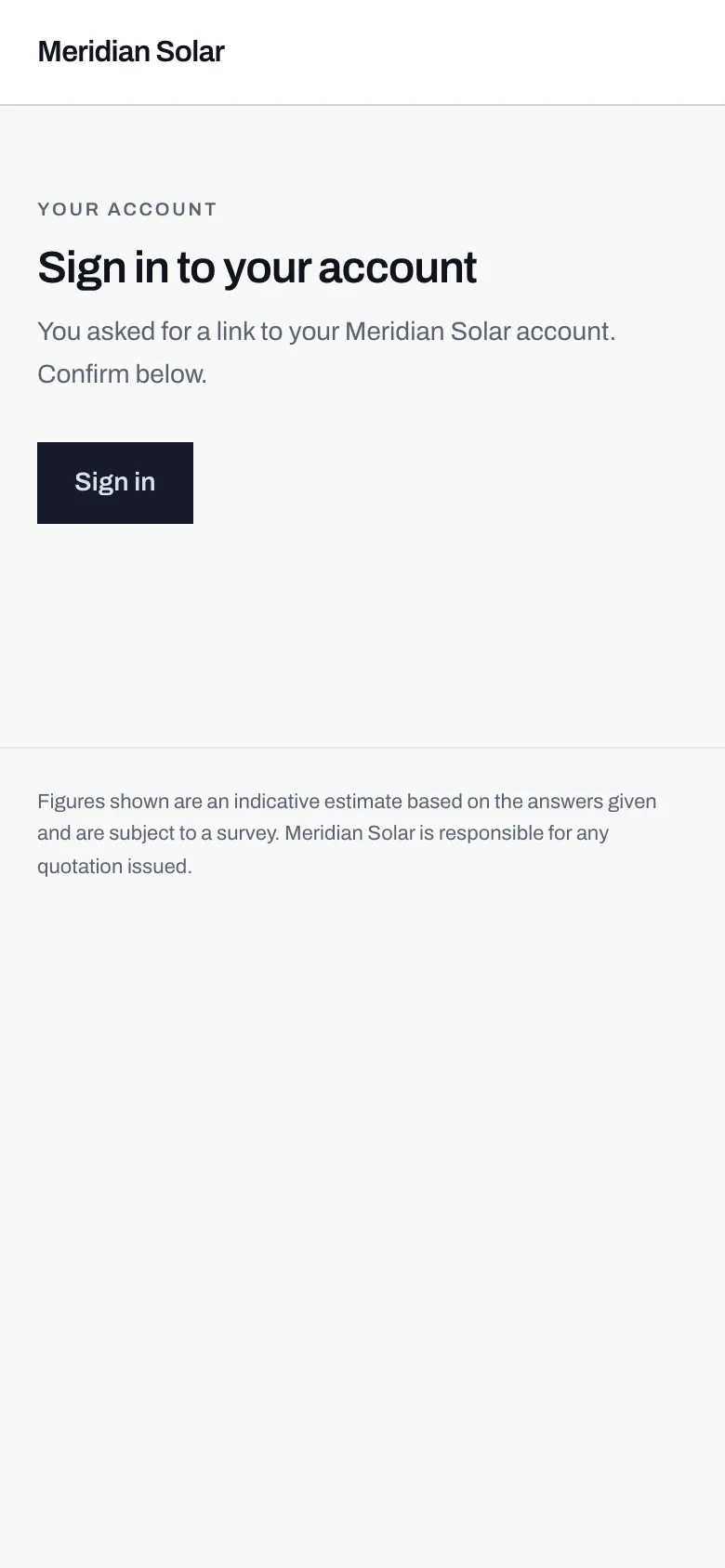
- It names the installer whose account you are about to open.
- You have to press this. Opening the link is not enough on its own, and that is deliberate.
The last step. One button, and you are in. -
Press Sign in.
The three rules of the link
Section titled “The three rules of the link”It works once. Using it spends it. If you need to come back tomorrow, ask for another one, which takes ten seconds.
It expires after fifteen minutes. Long enough to go and find the email, short enough that a link sitting in an old inbox is not a key to your account. If you are too late you get a page saying the link is no longer valid, and telling you to ask for a new one. Do that.
It is for one installer’s account. A link from one company will not sign you into another’s.
Why the confirmation never tells you whether you have an account
Section titled “Why the confirmation never tells you whether you have an account”After you ask for a link, the message says that if that address has an account, a link is on its way. It says exactly that whether or not one exists.
That is on purpose. If the page said “no account found” for some addresses and “link sent” for others, anyone could type in an email address and learn whether that person is a customer of that solar company. Keeping the answer identical means the page cannot be used to find that out.
The practical consequence: if no email arrives, the likeliest reason is a different address from the one you used originally, or a typo. Check your spam folder too, and remember the email comes from the installer’s name rather than from Solar Desk.
Why you have to press a button
Section titled “Why you have to press a button”This one looks like a pointless extra click, and it is not.
Email systems open links before you do. Spam filters, security scanners and the little preview cards that messaging apps generate all fetch every URL in a message to see what is on the other end. If simply opening the link signed you in, those automatic visits would spend it, and you would arrive at a link that had already been used, without ever having clicked anything.
So the link takes you to a page, and the page has a button. Machines do not press buttons. You do.
What signing in for the first time also does
Section titled “What signing in for the first time also does”If you got an estimate without ticking the account box, and later ask for a sign-in link with the same email address, signing in claims that estimate. It appears in your list, because you have now proved the address is yours.
Next: your jobs.